
The latest at Exygy
The latest at Exygy
My hero title
At Exygy, we believe that technology should make life better—but too often it’s outdated, overly complex, or disconnected from the people it’s meant to serve.

What Government Agencies Need to Know About USWDS and Why Action Can’t Wait

Open by Design: Building Better Government Through Open Source
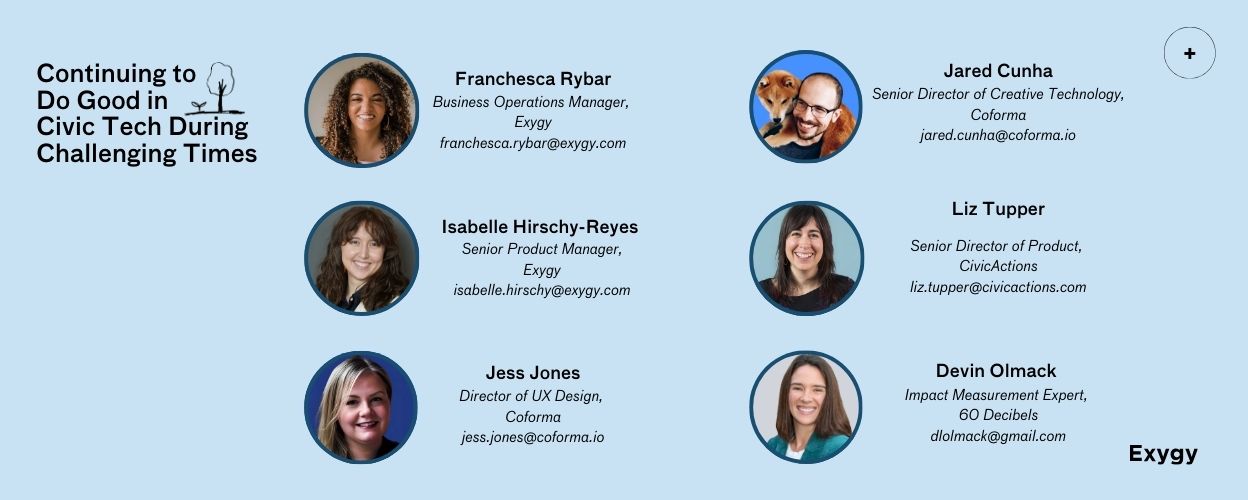
Continuing to Do Good in Civic Tech During Challenging Times
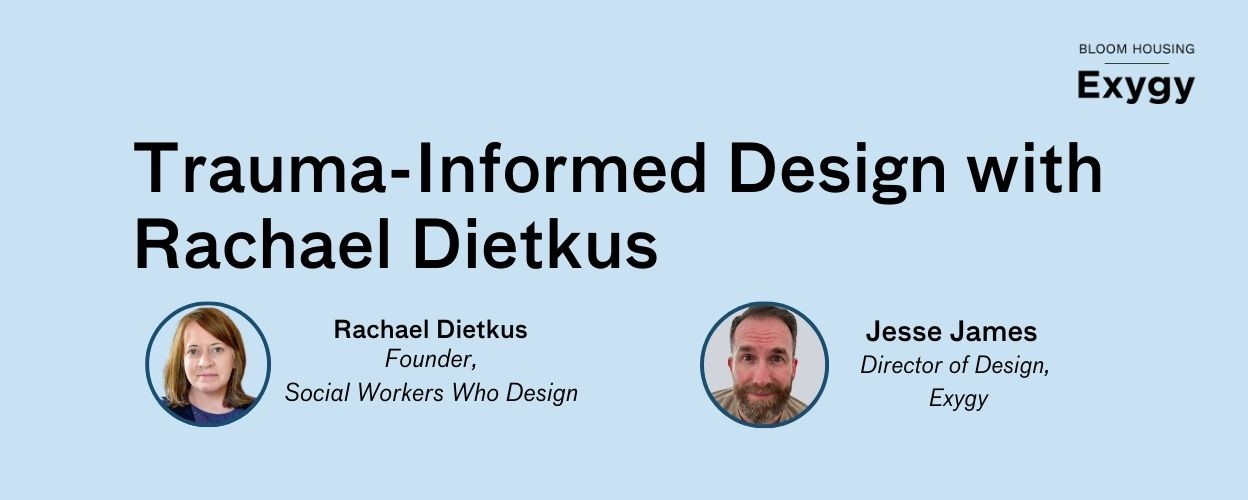
Trauma-Informed Design with Rachael Dietkus
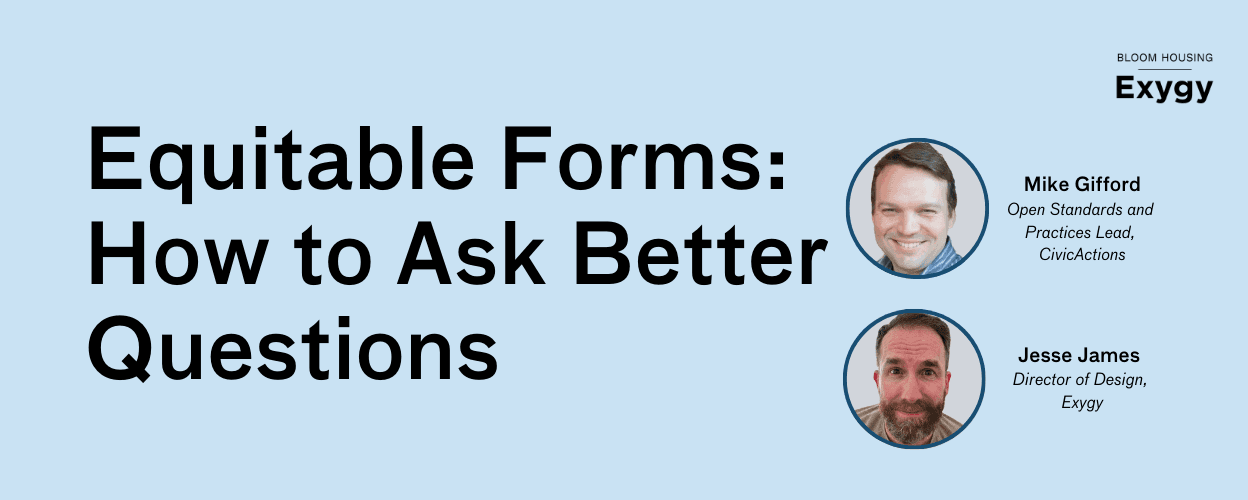
How to Ask Better Questions with Mike Gifford
Fair Housing in the Age of GenAI
What Government Agencies Need to Know About USWDS and Why Action Can’t Wait
Open by Design: Building Better Government Through Open Source
Continuing to Do Good in Civic Tech During Challenging Times
Trauma-Informed Design with Rachael Dietkus
How to Ask Better Questions with Mike Gifford
Fair Housing in the Age of GenAI
What Government Agencies Need to Know About USWDS and Why Action Can’t Wait
Open by Design: Building Better Government Through Open Source
Continuing to Do Good in Civic Tech During Challenging Times
Trauma-Informed Design with Rachael Dietkus
How to Ask Better Questions with Mike Gifford
Fair Housing in the Age of GenAI